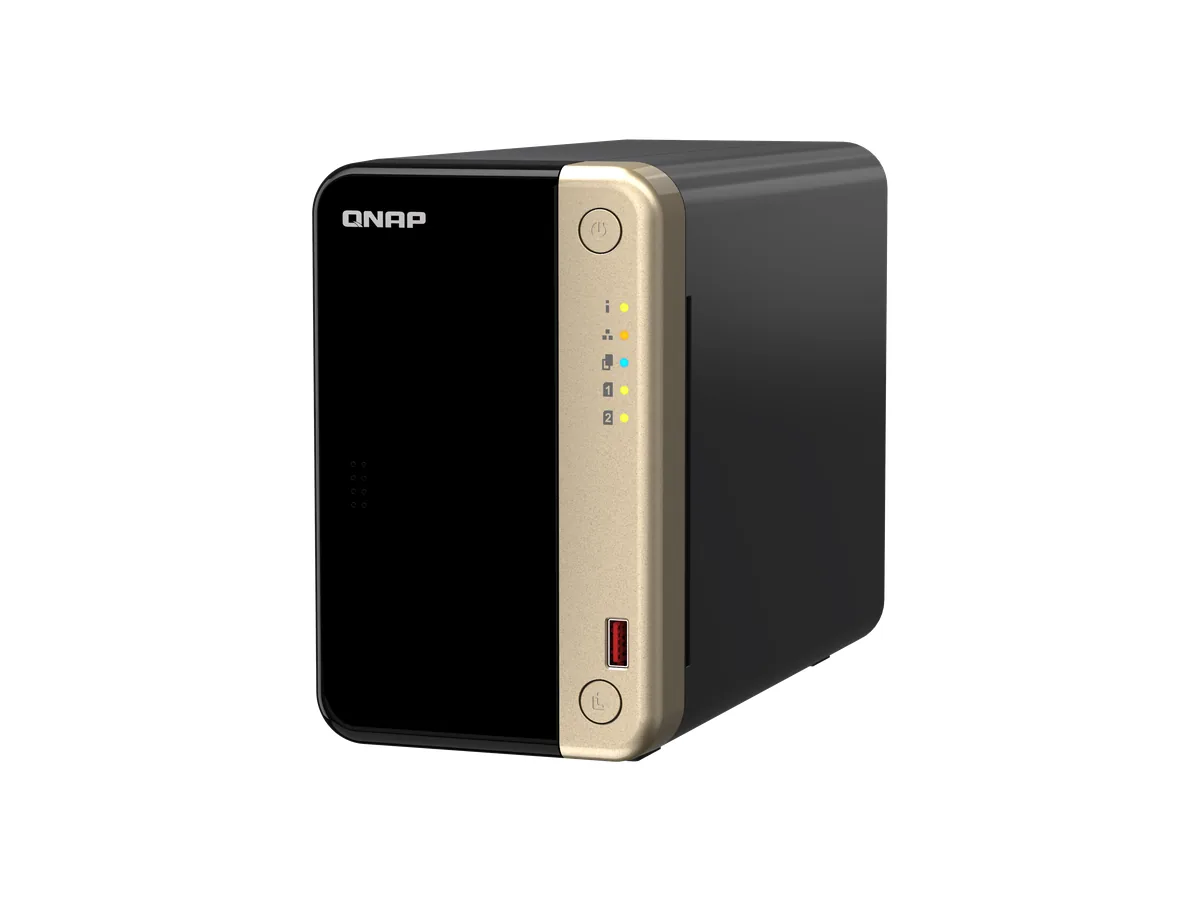
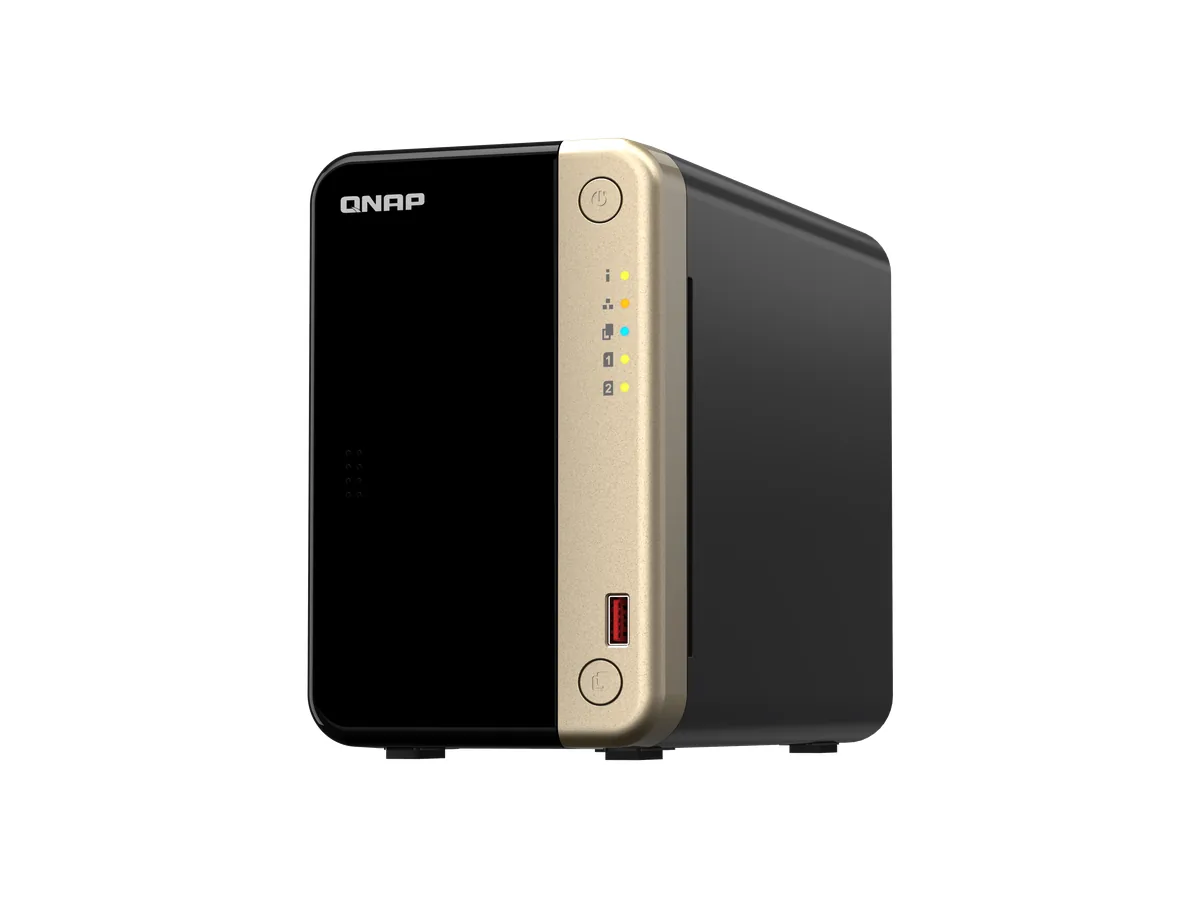
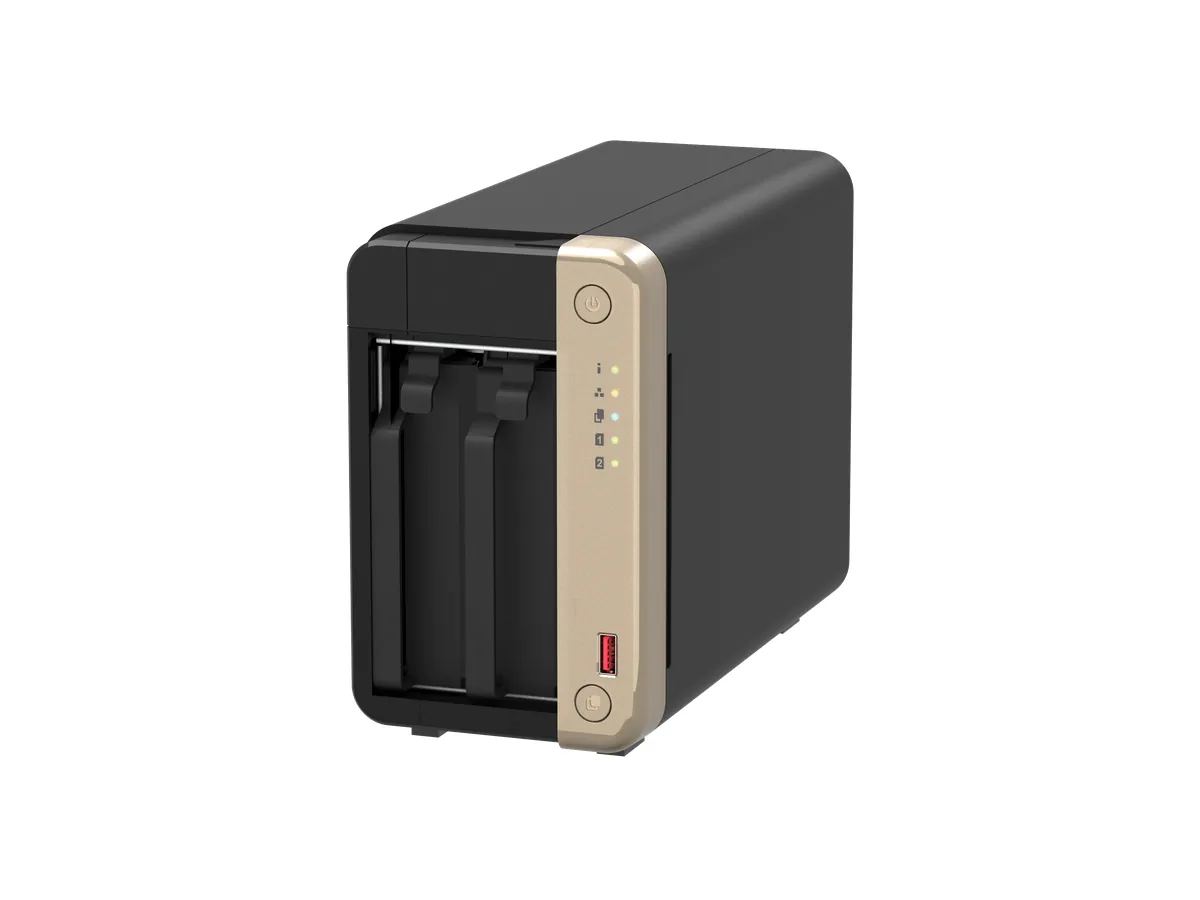
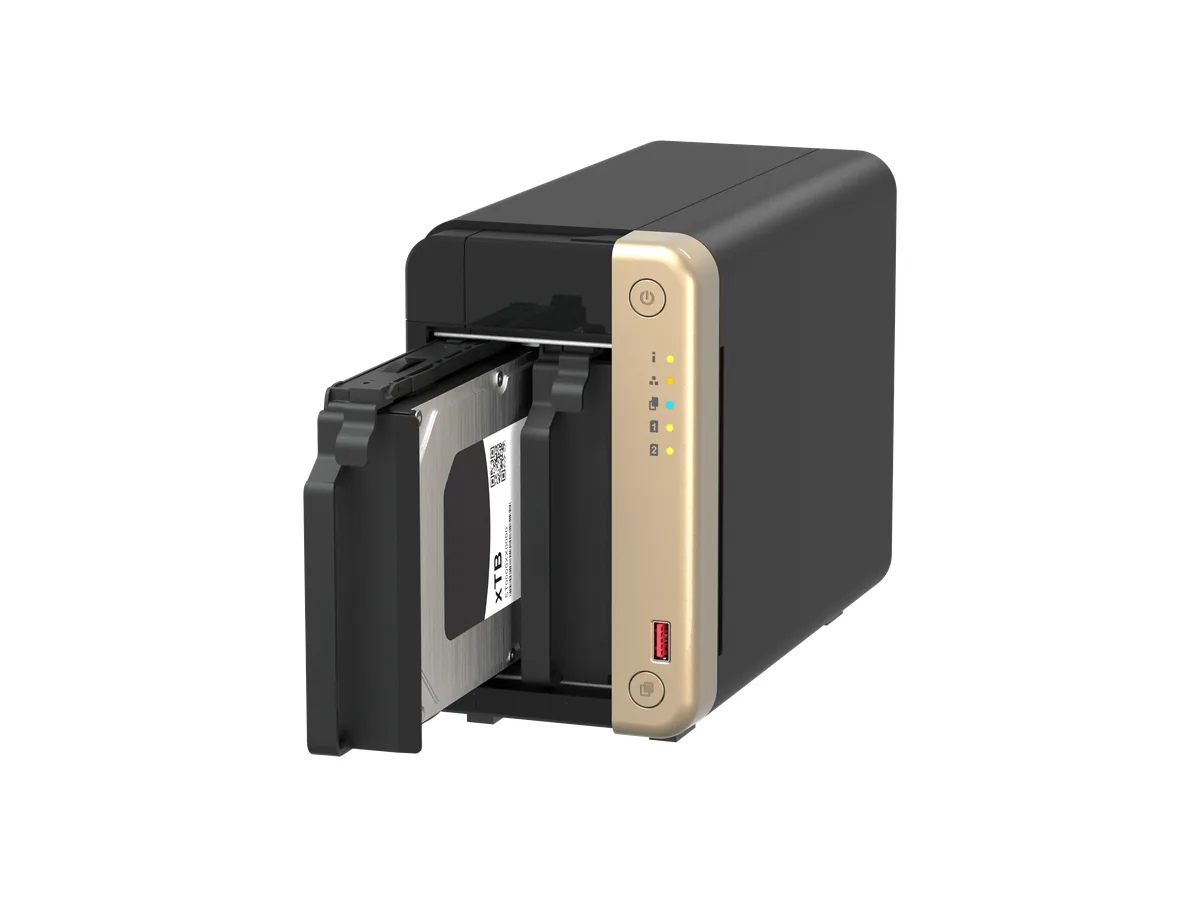
威联通 TS-264
厂商产品与规格资料 ↗2026-10-29 采集
厂商规格
同系列或不同配置同时列出时,请对照表格列名及厂商说明;图片可能展示同系列外观。
| Ordering P/N | CPU | Pre-installed memory | Drive bays |
|---|---|---|---|
| TS-262-4G | Intel® Celeron® N4505 | 4 GB RAM (non- expandable) | 2 x 3.5-inch SATA 6 Gbps |
| TS-264-8G | Intel® Celeron® N5095 | 8 GB RAM (non- expandable) | 2 x 3.5-inch SATA 6 Gbps |
| TS-462-2G | Intel® Celeron® N4505 | 2 GB RAM: 1 x 2 GB DDR4 SODIMM | 4 x 3.5-inch SATA 6 Gbps |
| TS-462-4G | Intel® Celeron® N4505 | 4 GB RAM (non- expandable) | 4 x 3.5-inch SATA 6 Gbps |
| TS-464-4G | Intel® Celeron® N5095 | 4 GB RAM: 1 x 4 GB DDR4 SODIMM | 4 x 3.5-inch SATA 6 Gbps |
| TS-464-8G | Intel® Celeron® N5095 | 8 GB RAM (non- expandable) | 4 x 3.5-inch SATA 6 Gbps |
| TS-664-4G | Intel® Celeron® N5095 | 4 GB RAM: 1 x 4 GB DDR4 SODIMM | 6 x 3.5-inch SATA 6 Gbps |
| TS-664-8G | Intel® Celeron® N5095 | 8 GB RAM (non- expandable) | 6 x 3.5-inch SATA 6 Gbps |
| Component | TS-262, TS-462 | TS-264, TS-464, TS-664 | |
|---|---|---|---|
| Processor | |||
| CPU | Intel® Celeron® N4505 | Intel® Celeron® N5095 | |
| Frequency | 2-core/2-thread 2.00 GHz base/2.90 GHz burst | 4-core/4-thread 2.00 GHz base/2.90 GHz burst | |
| Architecture | x86 64-bit | ||
| Encryption engine | AES-NI | ||
| Graphics | Intel® UHD Graphics | ||
| Memory | |||
| Memory slots | • TS-262, TS-264, TS-464-8G, TS-664-8G, TS-462-4G: Non-expandable memory • TS-462-2G, TS-464-4G, TS-664-4G: 2 x DDR4 SODIMM | ||
| Important • Use only QNAP memory modules to maintain system performance and stability. For NAS devices with more than one memory slot, use QNAP modules with identical specifications. • Using unsupported modules may degrade performance, cause errors, or prevent the operating system from starting. | |||
| Maximum memory | • TS-262, TS-462-4G: 4 GB RAM (non-expandable) • TS-264, TS-464-8G, TS-664-8G: 8 GB RAM (non-expandable) • TS-462-2G, TS-464-4G, TS-664-4G: 16 GB RAM: 2 x 8 GB | ||
| Flash memory | 4 GB (dual-boot OS protection) | ||
| Storage | |||
| Drive bays | • TS-262: 2 x 3.5-inch SATA 6 Gbps • TS-462: 4 x 3.5-inch SATA 6 Gbps | • TS-264: 2 x 3.5-inch SATA 6 Gbps • TS-464: 4 x 3.5-inch SATA 6 Gbps • TS-664: 6 x 3.5-inch SATA 6 Gbps |
| Component | TS-262, TS-462 | TS-264, TS-464, TS-664 | |
|---|---|---|---|
| Drive compatibility | • 3.5-inch SATA hard disk drives • 2.5-inch SATA solid-state drives | ||
| Note You can purchase tray bases from QNAP or an authorized reseller. For details, go to https://shop.qnap.com/. | |||
| M.2 SSD slots | 2 x M.2 2280 PCIe Gen 3 x1 | ||
| M.2 SSD form factor | 2280 | ||
| SSD cache acceleration support | Supported | ||
| Hot-swapping | The device supports hot-swapping drives except for the following: M.2 SSDs | ||
| Network | |||
| 2.5 Gigabit network interface | 1 x 2.5 GbE RJ45 | 2 x 2.5 GbE RJ45 | |
| Note The 2.5 Gigabit Ethernet port supports the following network connectivity speeds: 2.5 GbE, 1 GbE, 100 Mb, and 10 Mb. | |||
| External I/O Ports & Expansion Slots | |||
| USB ports | • Front: 1 x USB 3.2 Gen 2 Type-A | ||
| Note This USB port supports One Touch Copy. | |||
| • Rear: 1 x USB 3.2 Gen 2 Type-A • Rear: 2 x USB 2.0 Gen 1 Type-A | |||
| PCIe slots | 1 x PCIe 3.0 x2 | ||
| Tip For the list of compatible drive models and expansion cards, go to https://www.qnap.com/compatibility. | |||
| HDMI ports | 1 x HDMI 2.0 (up to 4096 x 2160 resolution at 60 Hz) | ||
| Interface | |||
| Buttons | • Power • Reset • USB One Touch Copy | ||
| Dimensions | |||
| Form factor | Tower |
| Component | TS-262, TS-462 | TS-264, TS-464, TS-664 | |
|---|---|---|---|
| Dimensions (H x W x D) | • TS-262: 168 x 105 x 226 mm (6.61 x 4.13 x 8.90 in) • TS-462: 168 x 170 x 226 mm (6.61 x 6.69 x 8.90 in) | • TS-264: 168 x 105 x 226 mm (6.61 x 4.13 x 8.90 in) • TS-464: 168 x 170 x 226 mm (6.61 x 6.69 x 8.90 in) • TS-664: 168 x 235 x 226 mm (6.61 x 9.25 x 8.90 in) | |
| Net weight | • TS-262: 1.55 kg (3.41 lbs) • TS-462: 2.26 kg (4.98 lbs) | • TS-264: 1.55 kg (3.41 lbs) • TS-464: 2.26 kg (4.98 lbs) • TS-664: 2.9 kg (6.39 lbs) | |
| Others | |||
| Power supply unit | • TS-262: 65W, 100-240V AC, 50/60 Hz • TS-462: 90W, 100-240V AC, 50/60 Hz | • TS-264: 65W, 100-240V AC, 50/60 Hz • TS-464: 90W, 100-240V AC, 50/60 Hz • TS-664: 120W, 100-240V AC, 50/60 Hz | |
| System battery | CR2032 lithium battery (3V, 225 mAh) | ||
| Warning • This battery is a button battery. If swallowed, a lithium button battery can cause severe or fatal injuries within 2 hours. Keep batteries out of reach of children. • To avoid potential battery explosion, causing injury or damage to components, ensure that you replace the existing battery with a battery of the same type. | |||
| Fans | • TS-262: 1 x 70 mm, 12V DC smart fan • TS-462: 1 x 120 mm, 12V DC smart fan | • TS-264: 1 x 70 mm, 12V DC smart fan • TS-464: 1 x 120 mm, 12V DC smart fan • TS-664: 2 x 90 mm, 12V DC smart fan | |
| Operating temperature | 0˚C to 40˚C (32˚F to 104˚F) | ||
| Relative humidity | • Non-condensing relative humidity: 5% to 95% • Wet-bulb temperature: 27˚C (80.6˚F) | ||
| Security slot | Kensington security slot |
| Item | Quantity | |
|---|---|---|
| TS-x62/TS-x64 | 1 | |
| Drive trays | • TS-262, TS-264: 2 • TS-464, TS-462: 4 • TS-664: 6 | |
| Screws for 2.5-inch drives | • TS-262, TS-264: 8 • TS-464, TS-462: 16 • TS-664: 24 | |
| Screws for 3.5-inch drives | • TS-262, TS-264: 8 • TS-464, TS-462: 16 • TS-664: 24 | |
| AC power adapter | 1 | |
| Power cord | 1 | |
| Cat 5e Ethernet cable | 1 | |
| Note The Cat5e Ethernet cable supports transfer speeds of up to 2.5 Gbps. | ||
| Quick Installation Guide (QIG) | 1 |
| No. | Component | No. | Component |
|---|---|---|---|
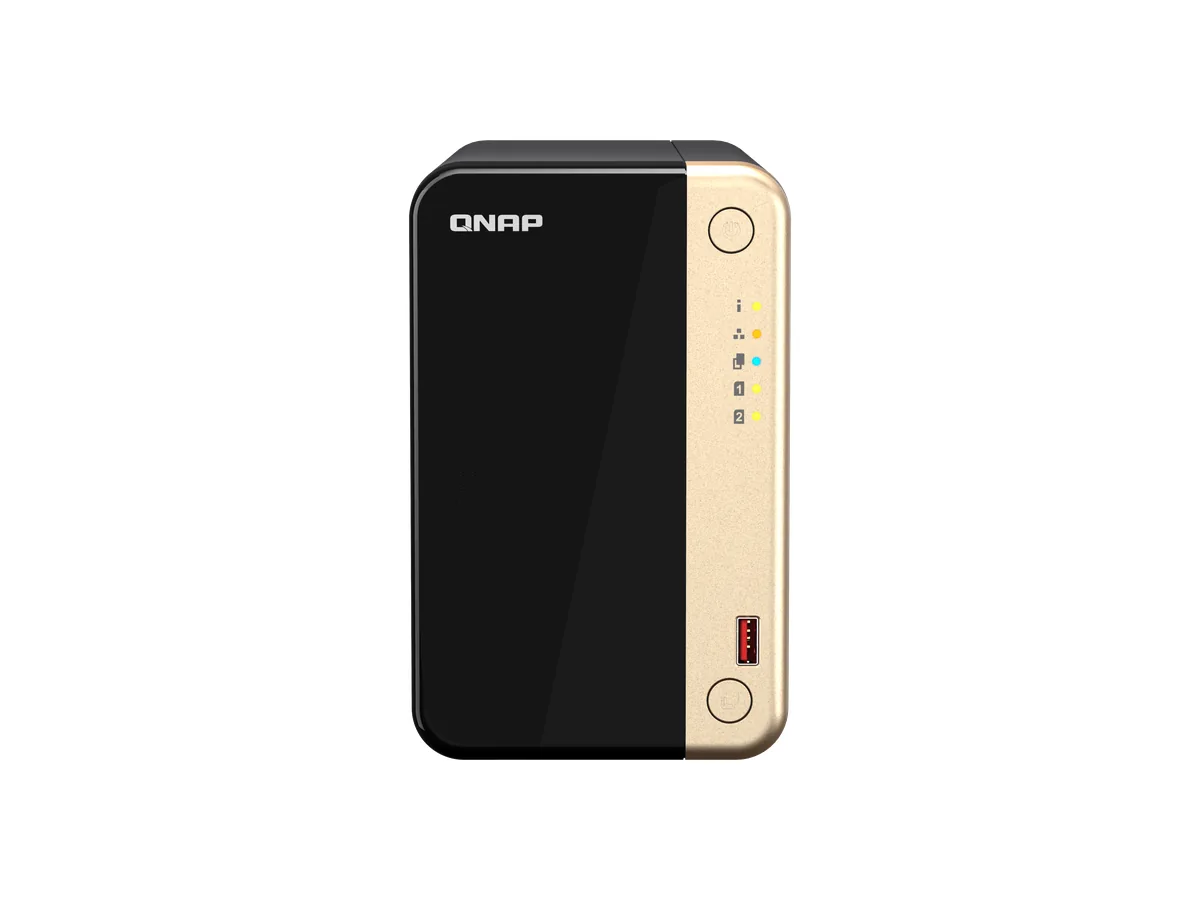
| 1 | Power button | 5 | Drive 1 LED |
| 2 | Status LED | 6 | Drive 2 LED |
| 3 | LAN LED | 7 | USB 3.2 Gen 2 One Touch Copy Type-A port |
| 4 | USB LED | 8 | USB One Touch Copy button |
| No. | Component | No. | Component |
|---|---|---|---|
| 1 | Power button | 6 | Drive 2 LED |
| 2 | Status LED | 7 | Drive 3 LED |
| 3 | LAN LED | 8 | Drive 4 LED |
| 4 | USB LED | 9 | USB 3.2 Gen 2 One Touch Copy Type-A port |
| 5 | Drive 1 LED | 10 | USB One Touch Copy button |
| No. | Component | No. | Component |
|---|---|---|---|
| 1 | Power button | 7 | Drive 3 LED |
| 2 | Status LED | 8 | Drive 4 LED |
| 3 | LAN LED | 9 | Drive 5 LED |
| 4 | USB LED | 10 | Drive 6 LED |
| 5 | Drive 1 LED | 11 | USB 3.2 Gen 2 One Touch Copy Type-A port |
| 6 | Drive 2 LED | 12 | USB One Touch Copy button |
| No. | Component | No. | Component |
|---|---|---|---|
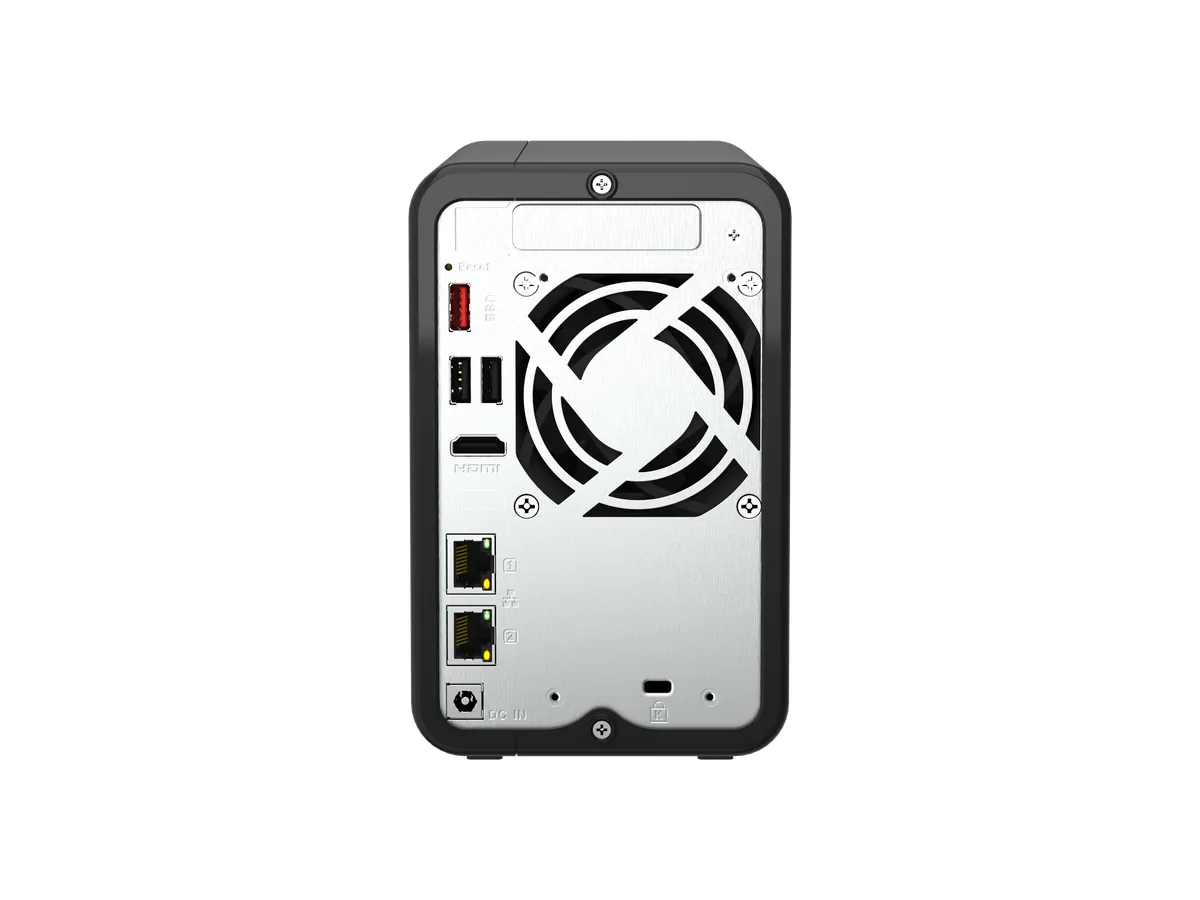
| 1 | PCIe low-profile cover | 7 | 2.5 Gigabit Ethernet port (RJ45) |
| 2 | Reset button | 8 | 2.5 Gigabit Ethernet speed LED |
| 3 | USB 3.2 Gen 2 Type-A port | 9 | Power input |
| 4 | USB 3.2 Gen 1 Type-A ports | 10 | Kensington security slot |
| 5 | HDMI 2.0 port | 11 | System fan |
| 6 | 2.5 Gigabit Ethernet activity LED | - | - |
| No. | Component | No. | Component |
|---|---|---|---|
| 1 | PCIe low-profile cover | 7 | 2.5 Gigabit Ethernet speed LED |
| 2 | Reset button | 8 | Power input |
| 3 | USB 3.2 Gen 2 Type-A port | 9 | Kensington security slot |
| 4 | USB 3.2 Gen 1 Type-A ports | 10 | 2.5 Gigabit Ethernet activity LED |
| 5 | HDMI 2.0 port | 11 | System fan |
| 6 | 2.5 Gigabit Ethernet ports (RJ45) | - | - |
| No. | Component | No. | Component |
|---|---|---|---|
| 1 | PCIe low-profile cover | 7 | 2.5 Gigabit Ethernet activity LED |
| 2 | Reset button | 8 | Power input |
| 3 | USB 3.2 Gen 2 Type-A port | 9 | 2.5 Gigabit Ethernet speed LED |
| 4 | USB 3.2 Gen 1 Type-A ports | 10 | System fan |
| 5 | HDMI 2.0 port | 11 | Kensington security slot |
| 6 | 2.5 Gigabit Ethernet port (RJ45) | - | - |